Old photos, back the way they were
This photo restoration tool repairs an old or damaged picture: scratches, dust, creases, tears, stains and fading. It keeps the people and everything else in the frame as they were, and you can keep the original colours or have a black and white print colorized.
- Per image
- 31 credits
- ≈Rp 2.480
- 4 variations
- 124 credits
- ≈Rp 9.920
- If it fails
- 0 credits
- you get them back
Free to sign up, no card needed. Top up from Rp 10rb = 125 credits.
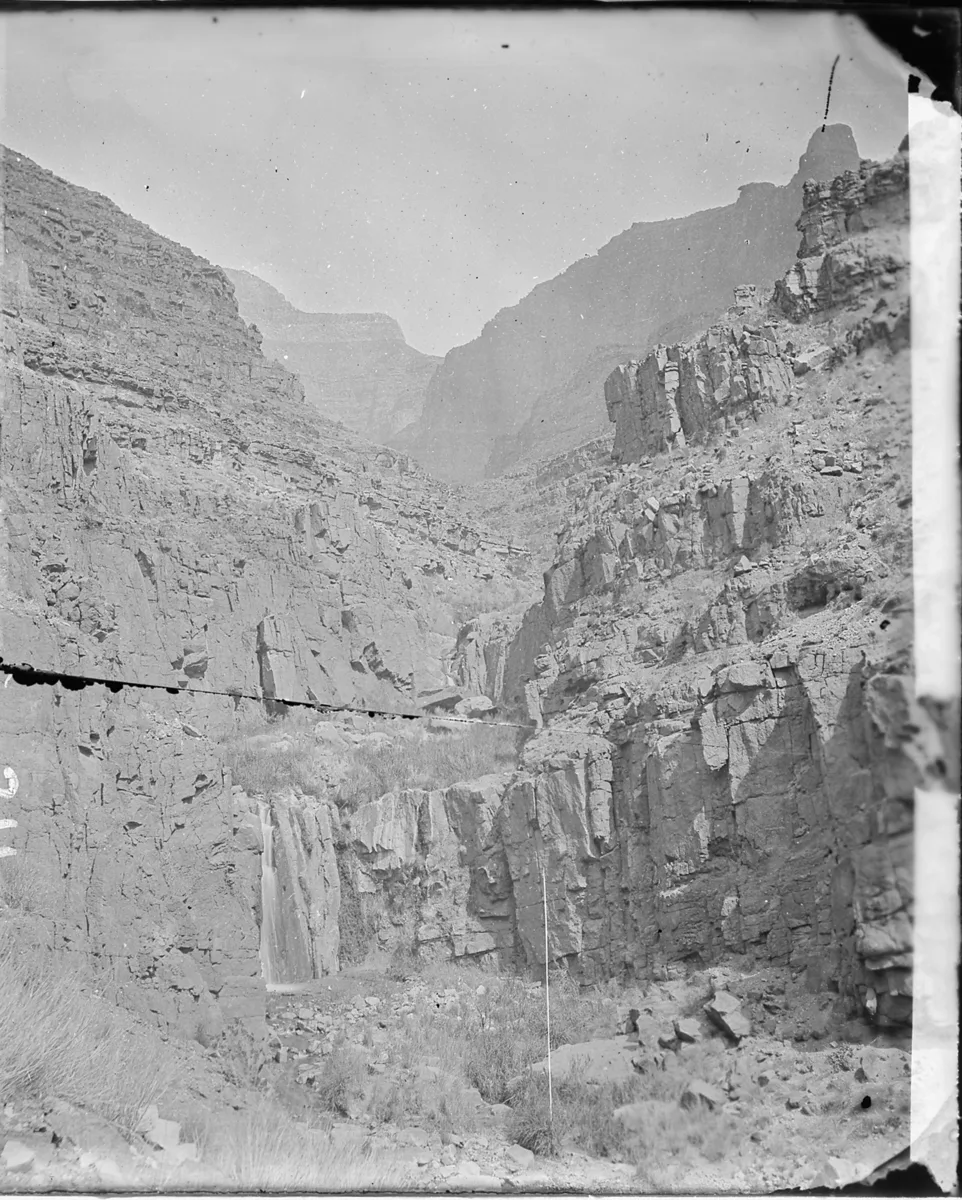
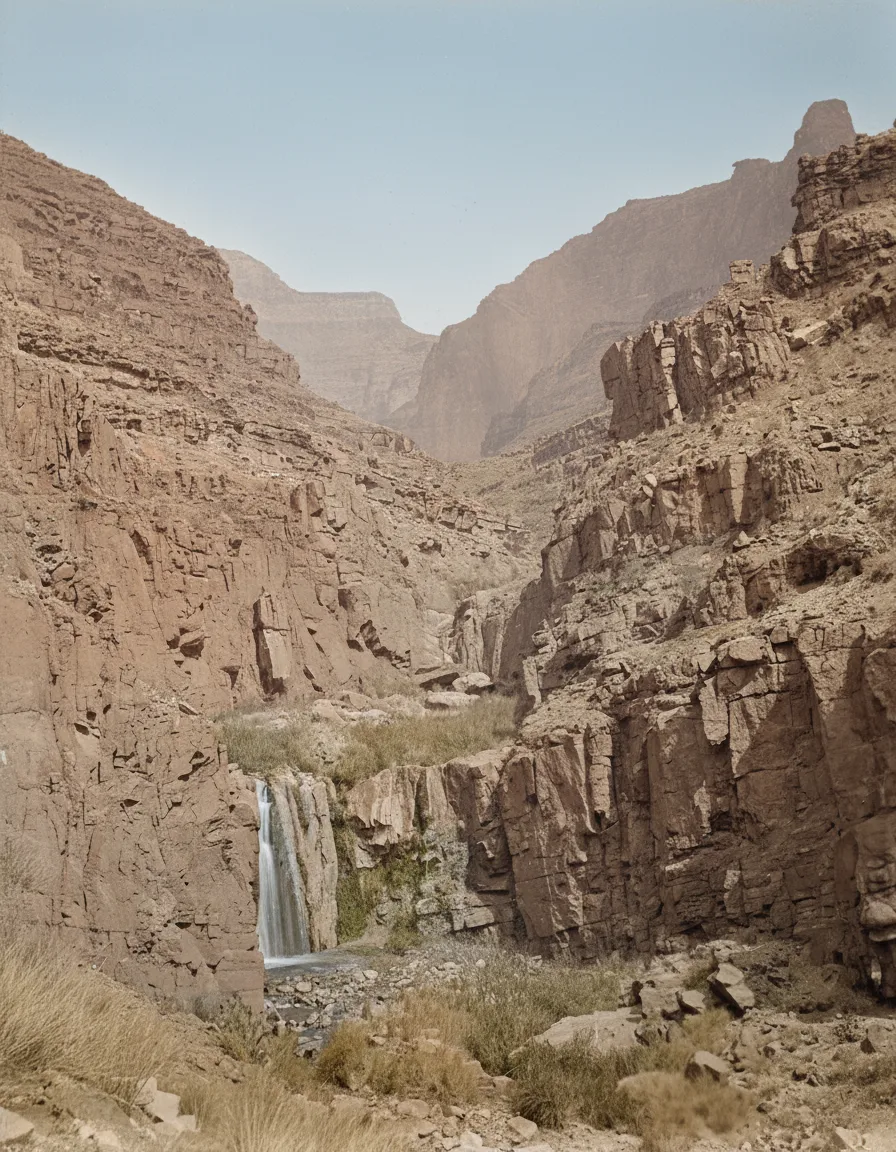
Restore and colorize
Pick a sample, then drag to see before and after.
More results
How it works
- 1
Upload the photo
A scan or a phone photo of the print both work. Shoot it flat, without glare.
- 2
Pick how to restore it
Keep the original colours, colorize it, or treat it as a document.
- 3
Generate and download
Up to four versions, in PNG, JPEG or WebP.
What you can make
The family album
Grandparents' wedding photo, a faded school portrait, the one picture of the old house. Fixed in time for Lebaran.
Old letters and certificates
The document mode cleans the paper and keeps the writing in place. Check small print and numbers against the original, because AI can misread them.
Heritage businesses
The first shop, the founder behind the counter, the old product label. Your story, sharp enough for a feed.
Local history pages
Old shopfronts, stations and town squares, cleaned up for a then-and-now post.
Specs & limits
- Input
- One photo you upload
- Fixes
- Scratches, dust, spots, creases, tears, stains, heavy grain, fading
- Modes
- Restore, Restore and colorize, Document
- Output
- 1 to 4 versions, PNG, JPEG or WebP
- Commercial use
- Yours to use, including print
- Cost
- 31 credits (≈Rp 2.480) per image
Tips for better results
- Scan at the highest setting you have. The tool can rebuild a crease, but it cannot invent detail the scan never caught.
- Colour print gone pink or yellow? Pick "Restore and colorize". Plain "Restore" keeps the colours it is given, tint included.
- Use "Document" for anything with writing on it. The other modes may smooth small text that they read as damage.
- Generate two or three and pick the one where the faces still look like the people you remember.
Frequently asked questions
Will it change the faces?
It is told to repair damage only and keep every face, expression and detail as it was. It is still AI, so compare the result with the original before you print or share it.
Can I restore a photo of someone else?
Yes, if it is your photo or everyone in it agreed. You confirm that with a checkbox before each run.
Is it free?
No. Generating spends AI credits from your Wujud account, billed flat per output image. Credits are bought as a pack, and new accounts start with none. Free accounts can use it too, and their results are kept for 24 hours.
Which format should I download?
PNG if you plan to print it. JPEG or WebP are smaller and fine for sharing.
Ready to make yours?
Fix scratches, creases, stains and fading on old photos. Keep the original colours or colorize a black and white print. Restore your first photo now.
Free to sign up, no card needed. Top up from Rp 10rb = 125 credits.