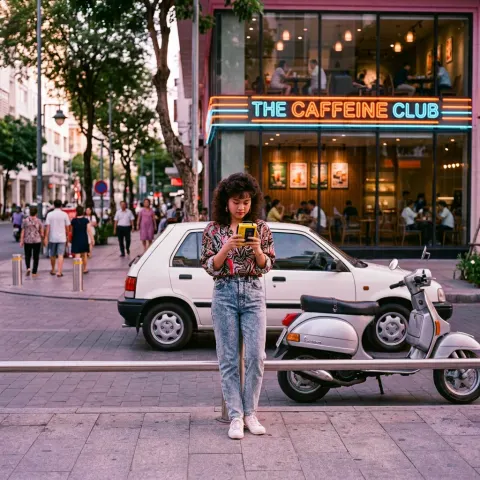
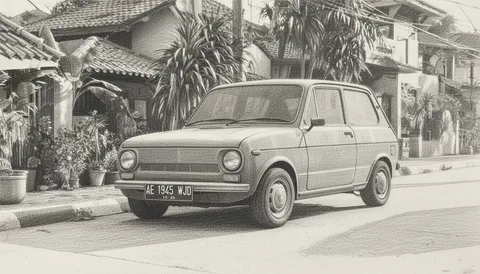
Rich monochrome, not just desaturated
This black and white converter re-renders a photo in monochrome while keeping its tonal detail, which is what separates a real conversion from dragging a saturation slider to zero. Choose from six treatments (classic, high contrast, film noir, sepia, silver gelatin or infrared) and download up to four versions.
- Per image
- 31 credits
- ≈Rp 2.480
- 4 variations
- 124 credits
- ≈Rp 9.920
- If it fails
- 0 credits
- you get them back
Free to sign up, no card needed. Top up from Rp 10rb = 125 credits.
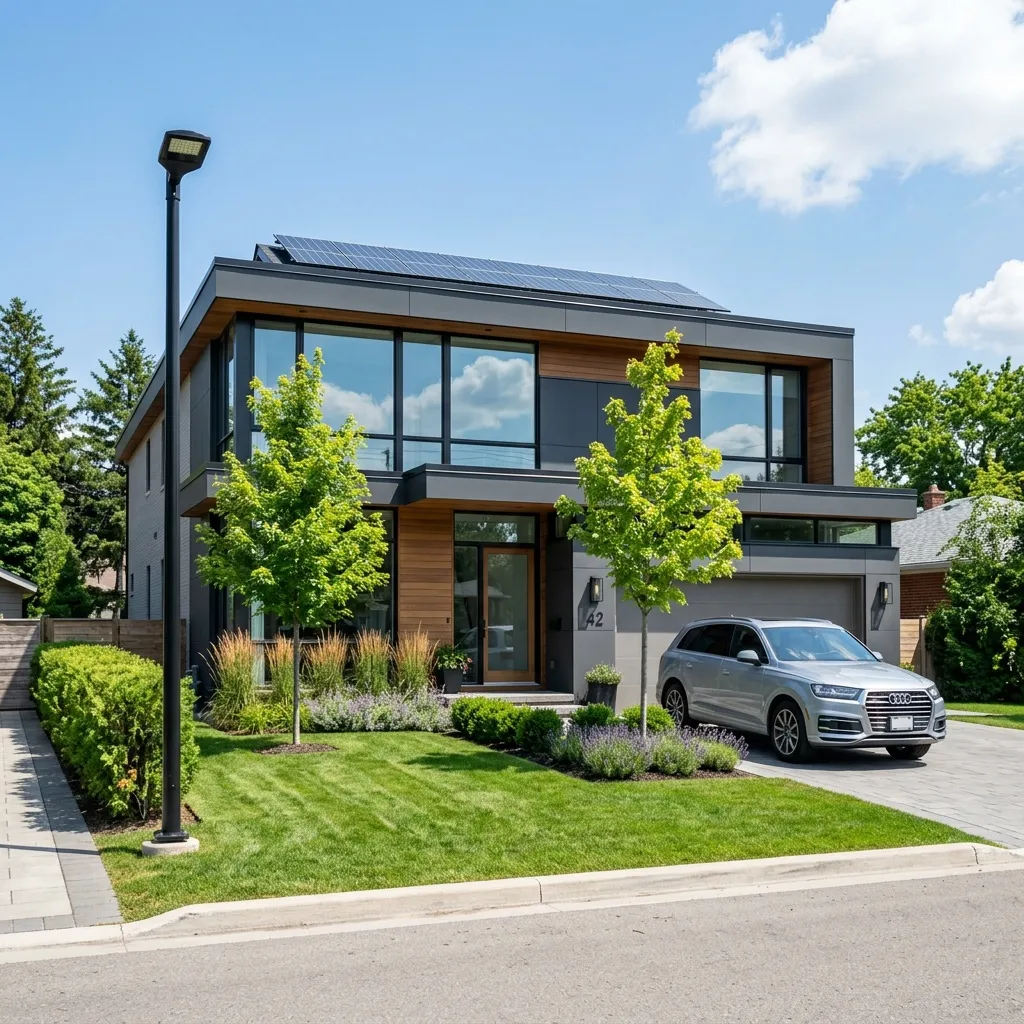
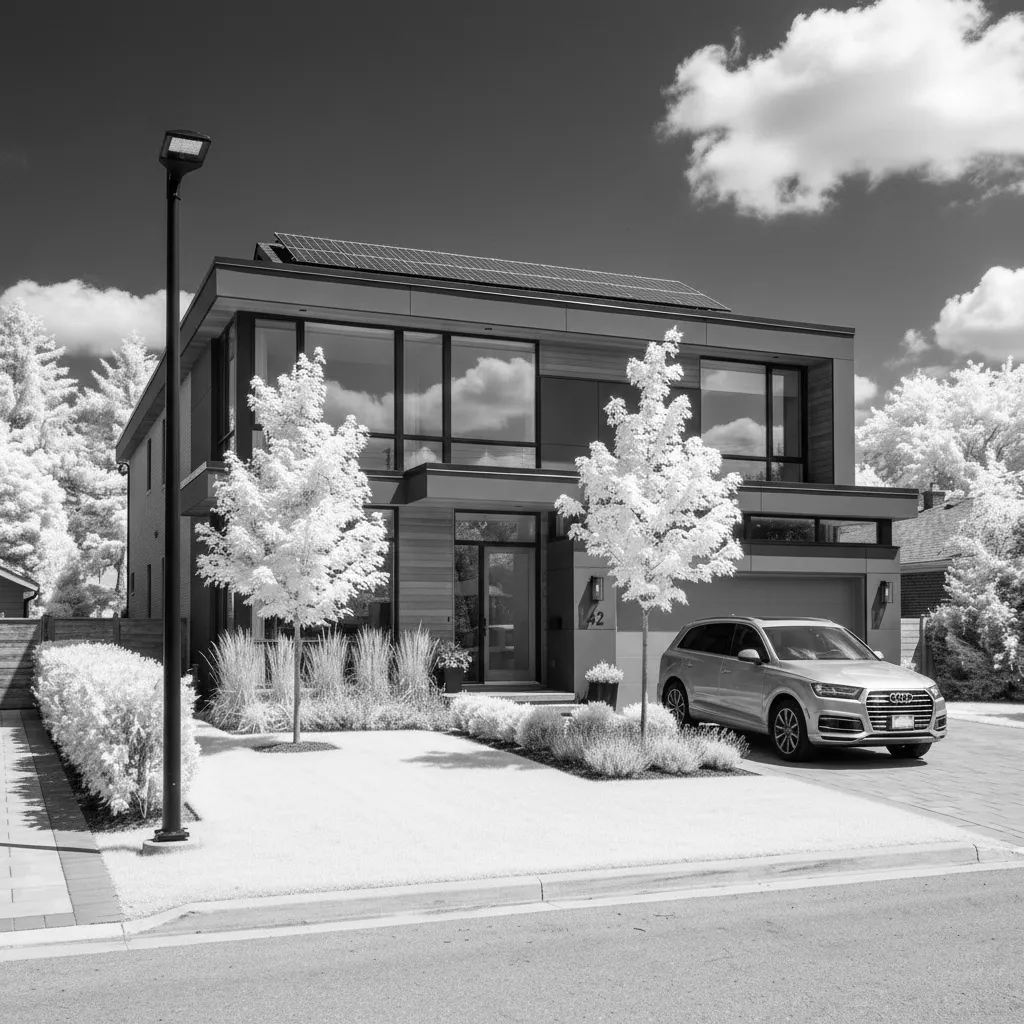
Infrared
Pick a sample, then drag to see before and after.
More results
How it works
- 1
Upload a photo
Portraits, landscapes, street and product shots all convert.
- 2
Pick a treatment
Six presets, or describe the look you want in up to 2,000 characters.
- 3
Generate and download
Up to four variations, in PNG or JPEG.
What you can make
Portrait photographers
Offer a monochrome edit alongside the colour set without reprocessing every frame by hand.
Brands with a mixed feed
Monochrome is the cheapest way to make photos from different shoots look like one grid.
Editorial and long-form
Film noir and silver gelatin carry a serious register that colour photos of the same subject do not.
Anyone with a difficult colour photo
Mixed lighting that no white balance fixes often works immediately in monochrome.
Specs & limits
- Input
- One photo you upload
- Treatments
- Classic, High contrast, Film noir, Sepia, Silver gelatin, Infrared
- Custom direction
- Up to 2,000 characters, replacing the preset
- Output
- 1 to 4 variations; PNG or JPEG
- Approach
- Monochrome conversion with tonal detail preserved
- Commercial use
- Yours to use, including print
- Cost
- 31 credits (≈Rp 2.480) per image
Tips for better results
- Pick the treatment from the light in the photo, not the mood you want. Film noir needs a hard shadow to deepen; on a flatly-lit photo it just looks grey.
- High contrast for shape, classic for skin. Faces lose the most in an aggressive conversion, because midtones are where a likeness lives.
- Colours that differ in hue but match in brightness merge into one grey. Check that your subject still separates from the background before choosing a version.
- Infrared is a stylised look, not a neutral one. It brightens foliage and skin and darkens skies. Use it when you want that, not as a general black and white.
- Generate four and compare at thumbnail size. Monochrome that reads well small is the version that survives a feed.
Frequently asked questions
Why are sepia and infrared in a black and white tool?
Both are single-tone treatments that behave like monochrome conversions: sepia is a warm-toned mono, infrared a stylised grey one. They live here because the underlying process is the same. Every style but sepia comes out in true grey, with no colour left anywhere.
How is this different from removing saturation?
Desaturating maps every colour to its own brightness, which flattens photos where two different colours happen to be equally bright. This re-renders the image in monochrome with tonal detail preserved, so those areas stay separated.
Is it free?
No. Generating spends AI credits from your Wujud account, billed flat per output image. Credits are bought as a pack; new accounts start with none. Free accounts can use it too, and their results are kept for 24 hours.
What formats can I download?
PNG or JPEG. Choose PNG for print, because monochrome shows compression banding in smooth gradients more readily than colour does.
Can I use it commercially?
Yes, including print and client work.
Ready to make yours?
Convert a photo to rich monochrome: film noir, silver gelatin, high contrast, sepia or infrared. Tonal detail kept, not just desaturated. Try one now.
Free to sign up, no card needed. Top up from Rp 10rb = 125 credits.