A portrait built entirely out of your own words
This text portrait generator rebuilds a photo out of text you supply, so the words themselves form the light and shade of the face. Choose from four typographic treatments, paste up to 1,000 characters, and download the result in PNG, JPEG or WebP.
- Per image
- from 35 credits
- ≈Rp 2.800+
- If it fails
- 0 credits
- you get them back
That's the cheapest way to run it. What you pick and any text the AI writes can push it higher. You see the exact number before you run it.
Free to sign up, no card needed. Top up from Rp 10rb = 125 credits.
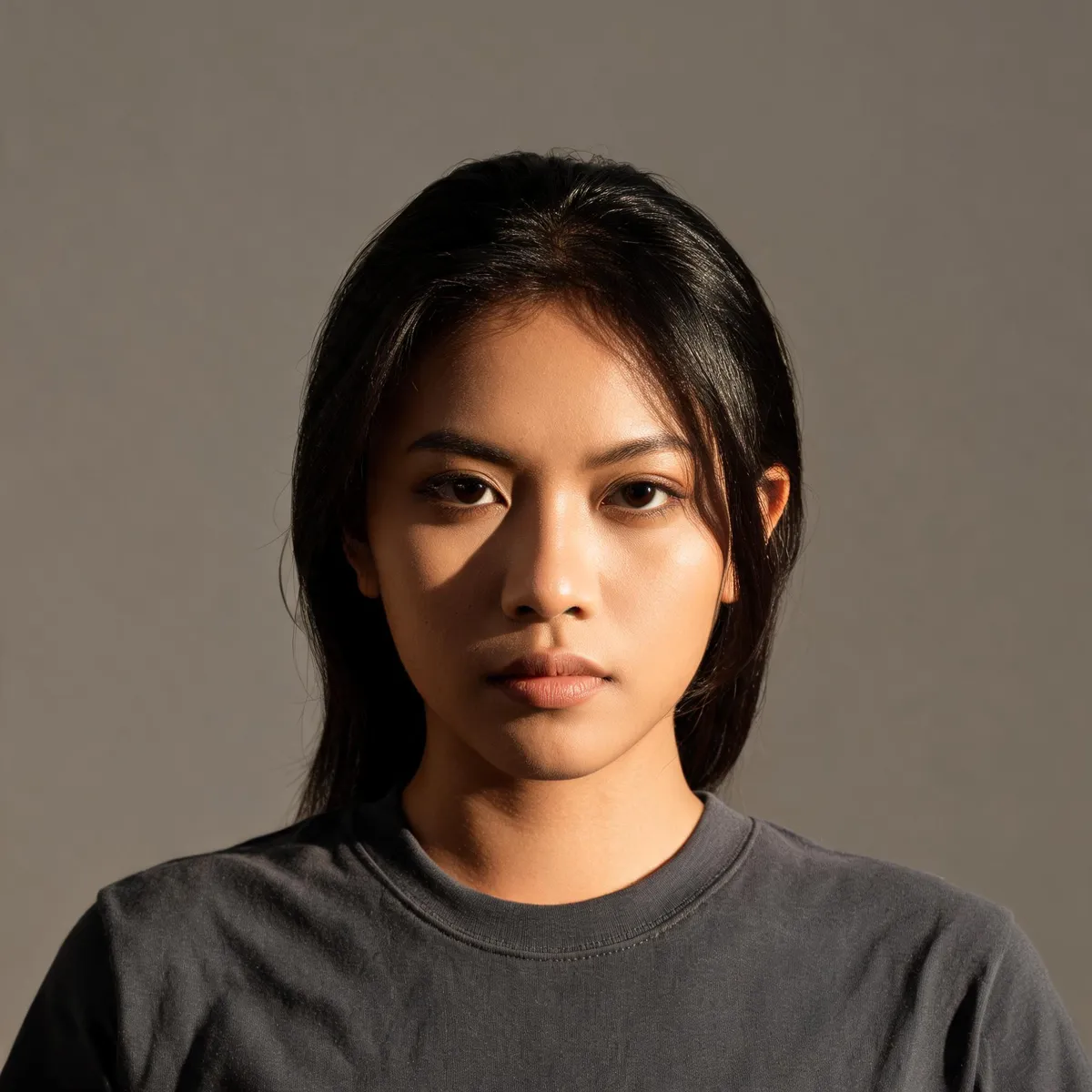
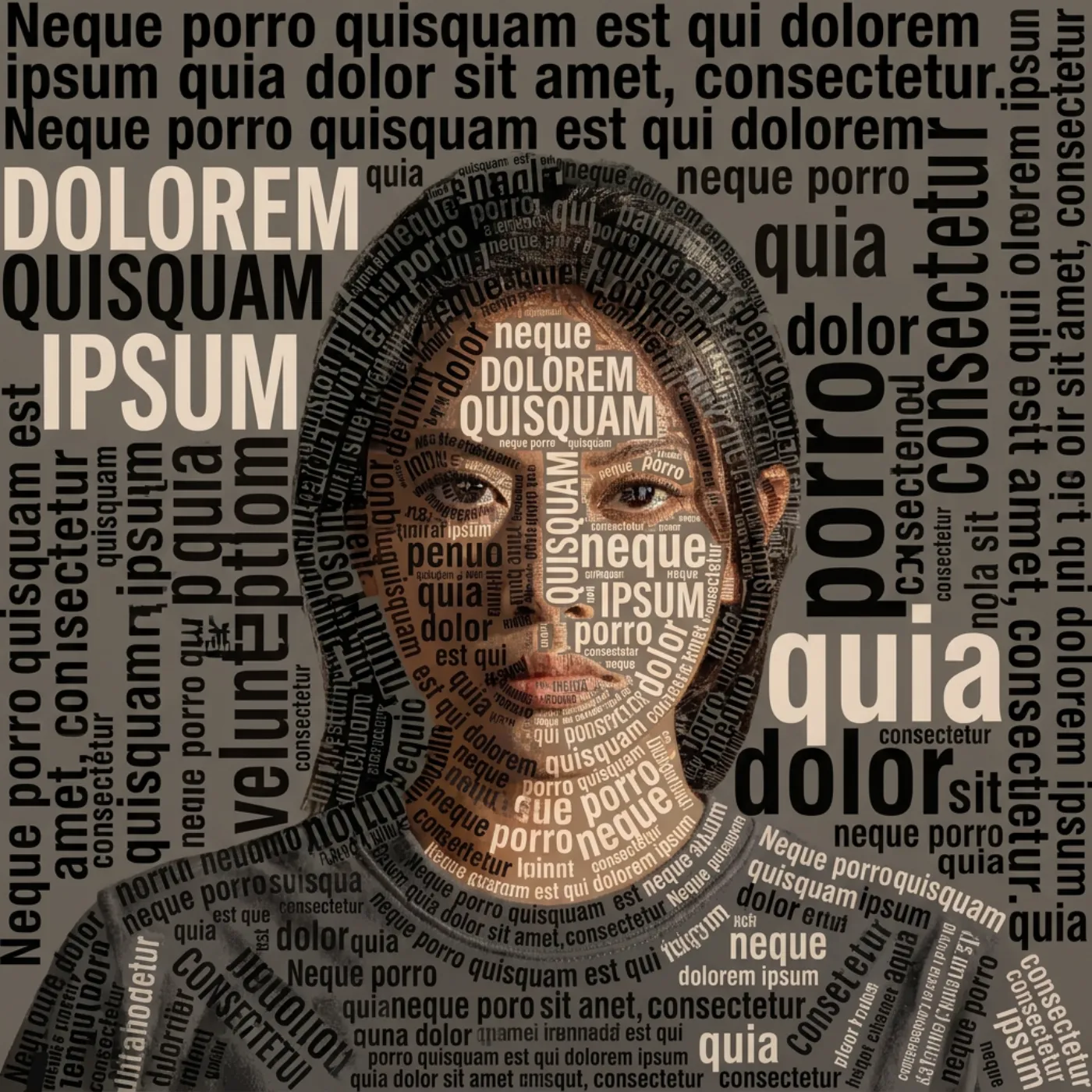
Word cloud
Pick a sample, then drag to see before and after.
More results
How it works
- 1
Upload a portrait
A clear face with visible light and shadow gives the type something to follow.
- 2
Paste your text
Song lyrics, a vow, a speech, a name repeated. Anything up to 1,000 characters.
- 3
Pick a treatment
Word cloud, text mosaic, ASCII art or handwritten. Each run makes one portrait.
What you can make
Wedding and anniversary gifts
Build a couple’s portrait out of their vows or the lyrics of their first dance, then print it as the gift.
Graduation and farewell posts
Turn a tribute message into the portrait of the person it is about, so the caption and the image become one thing.
Brand and founder features
Render a founder portrait from your mission statement for an About page or launch post.
Fan and community accounts
Build an artist portrait from a song’s lyrics. It is instantly recognisable to the people who know the words.
Specs & limits
- Input
- One portrait photo plus your text
- Text limit
- 1,000 characters
- Treatments
- Word cloud, text mosaic, ASCII art, handwritten
- Output formats
- PNG, JPEG or WebP
- Portraits per run
- 1
- Commercial use
- Yours to use, including print
- Cost
- 35 credits (≈Rp 2.800+) per image
Tips for better results
- Shorter text reads better. A hundred well-chosen words at a legible size beats a thousand words shrunk until nobody can read any of them.
- Word cloud suits a face with strong features; text mosaic suits softer, evenly-lit faces because it works like a halftone across the whole image.
- If a specific phrase must be readable, put it first. The most prominent words land on the brightest parts of the face.
- Crop to head and shoulders. A full-body photo spreads the same 1,000 characters over far more area, and the type gets too small to read.
- ASCII art needs the highest contrast of the four. If the portrait is softly lit, choose word cloud instead.
Frequently asked questions
How much text can I use?
Up to 1,000 characters. In practice a shorter passage produces a more readable portrait, because every word is rendered large enough to see.
Are the words actually readable?
Yes, all four treatments are tuned for legible words rather than decorative texture. Readability still depends on how much text you supply and how tightly the photo is cropped.
Is it free?
No. Generating spends AI credits from your Wujud account, and credits are bought as a pack. New accounts start with none. Free accounts can use it too, and their results are kept for 24 hours.
Can I use it commercially?
Yes, including gifts you sell and print products.
What formats can I download?
PNG, JPEG or WebP. Choose PNG for print, because type edges stay crisp where JPEG compression would soften them.
Ready to make yours?
Word cloud, text mosaic, ASCII or handwritten: your face, shaded entirely by the words you choose. Add your text and watch the portrait appear.
Free to sign up, no card needed. Top up from Rp 10rb = 125 credits.
Related tools