Drawn like an anime lead, still recognisably you
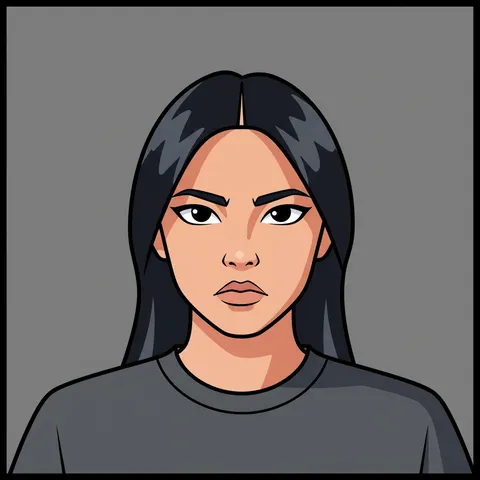
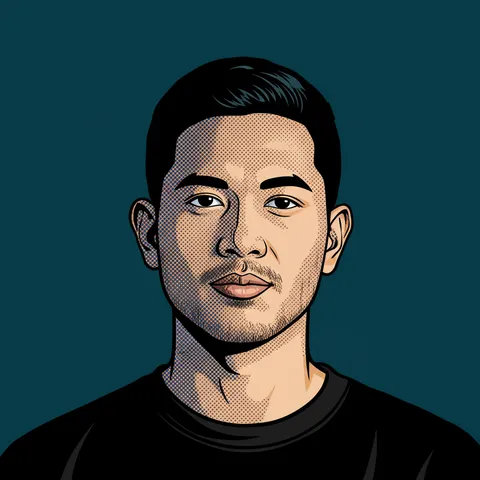
Upload a photo and this tool redraws it as a hand-drawn anime illustration: clean linework, flat cel shading, expressive eyes. What it does not change is you. The instruction behind it is explicit about holding the face, hair and proportions still, so the result reads as an anime version of you rather than a stranger who happens to be in the same pose.
- Per image
- 31 credits
- ≈Rp 2.480
- 4 variations
- 124 credits
- ≈Rp 9.920
- If it fails
- 0 credits
- you get them back
Free to sign up, no card needed. Top up from Rp 10rb = 125 credits.
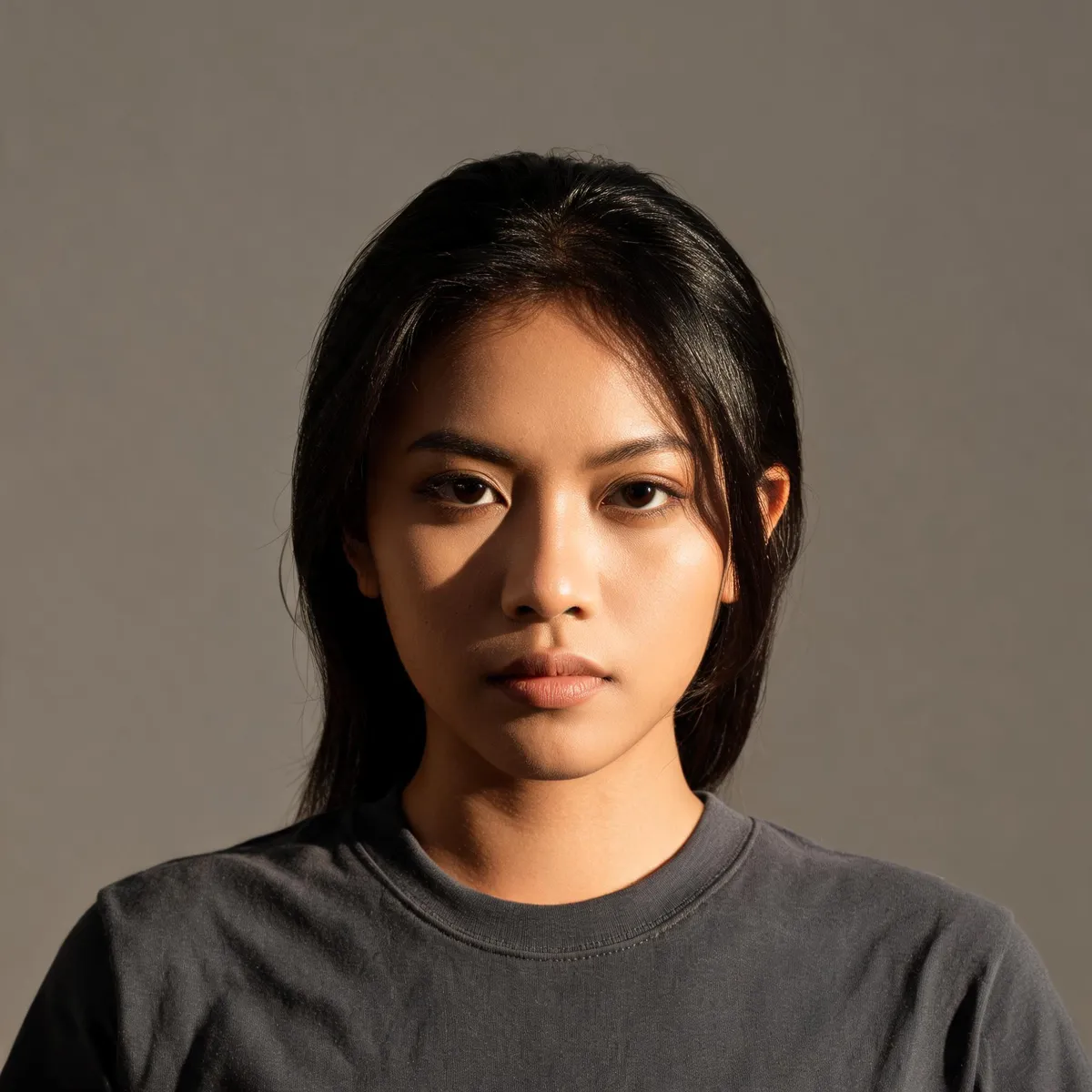
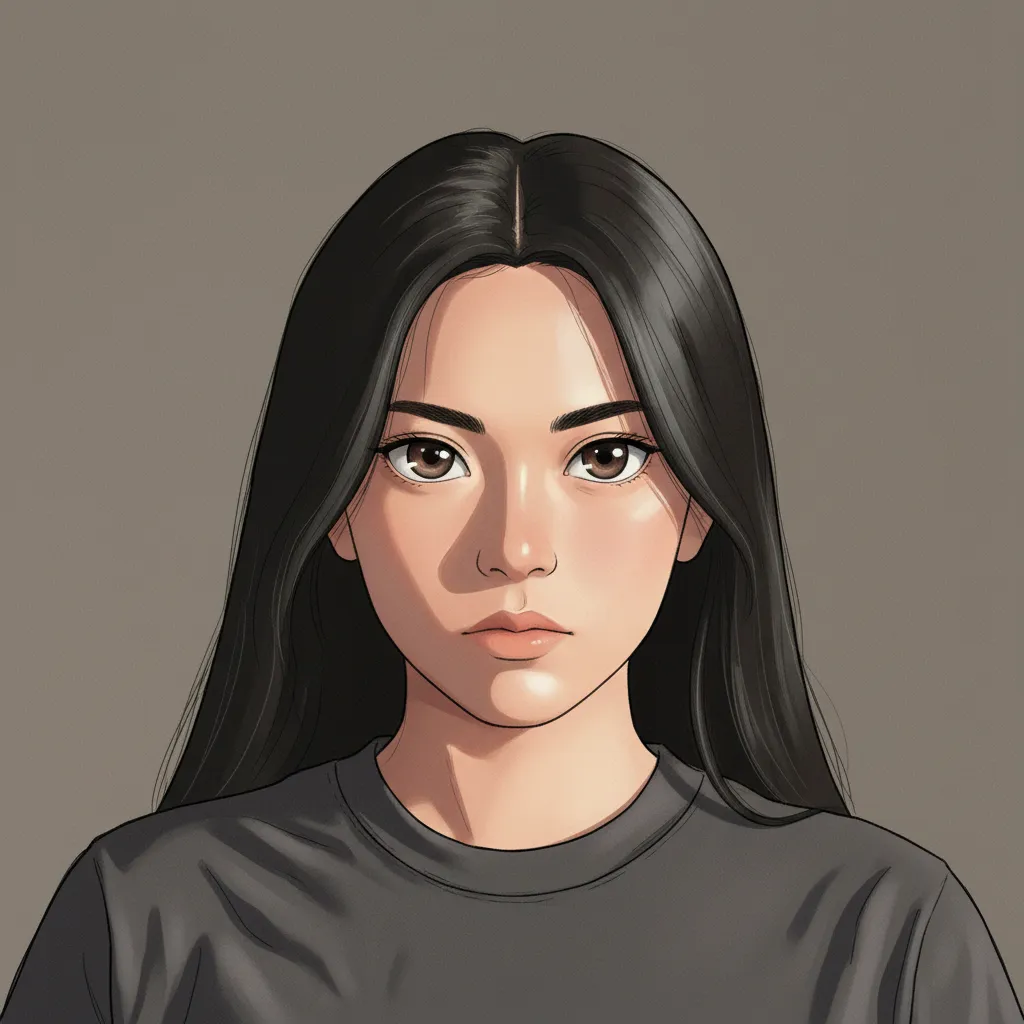
Shojo
Pick a sample, then drag to see before and after.
More results
How it works
- 1
Upload a photo
A clear, well-lit shot of one person works best.
- 2
Pick a style
Shonen, shojo, moe or cinematic, plus your own details if you want.
- 3
Generate and download
Up to four variations land in your media library.
What you can make
Anyone wanting an avatar
A profile picture that is recognisably you without being a photo of you.
Creators and streamers
Channel art and overlays in a consistent illustrated look, generated four at a time.
Couples and families
A portrait worth printing, made from a photo you already love.
Small brands
Team portraits in one illustrated style, so a staff page hangs together.
Specs & limits
- Input
- One photo you upload
- Styles
- Shonen, shojo, moe, cinematic
- Custom direction
- Up to 2,000 characters, added to the style preset
- Output
- 1 to 4 variations; PNG, JPEG or WebP
- Approach
- Anime rendering applied with the subject’s identity preserved
- Commercial use
- Yours to use, including print
- Cost
- 31 credits (≈Rp 2.480) per image
Tips for better results
- Front-facing and evenly lit beats dramatic. The more of the face the model can see, the more of it survives the redraw.
- One person per photo. Group shots split the model’s attention and faces start drifting from the third subject onward.
- Shojo softens features, shonen hardens them. If a result feels too far from the original face, switching preset often fixes it faster than rewriting anything.
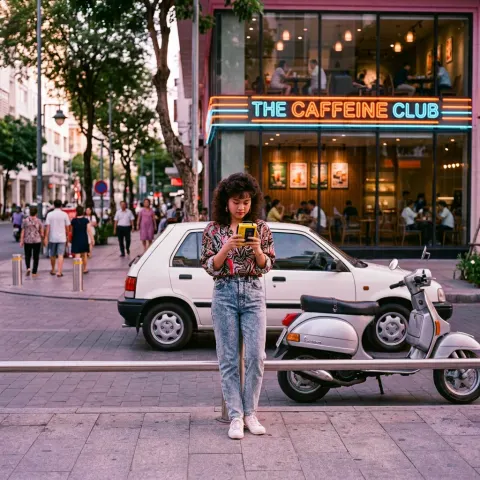
- Moe is the cute one: round faces, big shiny eyes, rosy cheeks. It suits cosy everyday shots, like lunch at a cafe. Keep the face big in the frame, because a tiny face in a wide room comes out more cartoon than moe.
- Use the custom box for the scene, not the face. "Standing on a rooftop at dusk" works; "make my nose smaller" fights the instruction that is keeping you recognisable.
- Start with one. Variations differ more than you would expect, so it is worth a second run. Each image is billed, though, so raise the count deliberately rather than by default.
Frequently asked questions
Do I need to write a prompt?
No. Pick a style and go. The details box is there if you want to steer the scene or the mood. Whatever you type is added to the preset, so the style stays and the face stays recognisable.
Can I turn a photo of someone else into anime?
Ask them first. This tool is built to keep a real person recognisable, which is exactly why using it on someone who has not agreed is a problem rather than a technicality.
Will it still look like me?
That is the whole point of the edit side. The tuned prompt carries an explicit instruction to hold the face, skin tone, hair and proportions still and change only how the image is rendered. It is not perfect on every shot. A sharp, well-lit, front-facing photo holds far better than a dim or heavily angled one.
Is it free?
No. Each run spends AI credits from your Wujud account, billed per output image. Credits are bought as a pack; new accounts start with none. Free accounts can use it too, and their results are kept for 24 hours.
Can I use it commercially?
Yes, including print and client work.
Ready to make yours?
Clean linework, cel shading and expressive eyes in shonen, shojo, moe or cinematic style. The face is held steady, so it is still you. Meet your anime self.
Free to sign up, no card needed. Top up from Rp 10rb = 125 credits.
Related tools