Put your product somewhere people want to be
This AI product photo generator takes a plain product shot and stages it in a lifestyle scene, matching the lighting, shadows and scale so the product still looks like itself. Pick one of eight scenes or describe your own, and get up to four versions in PNG, JPEG or WebP.
- Per image
- 31 credits
- ≈Rp 2.480
- 4 variations
- 124 credits
- ≈Rp 9.920
- If it fails
- 0 credits
- you get them back
Free to sign up, no card needed. Top up from Rp 10rb = 125 credits.
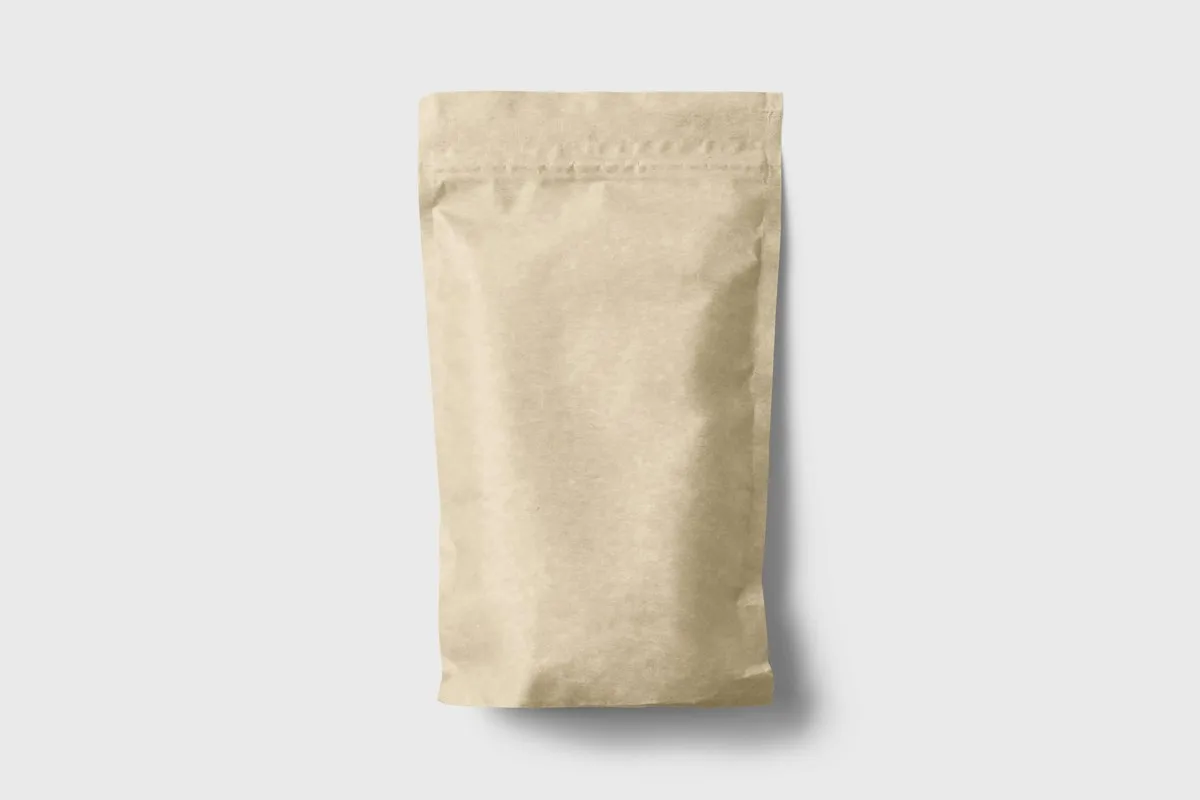
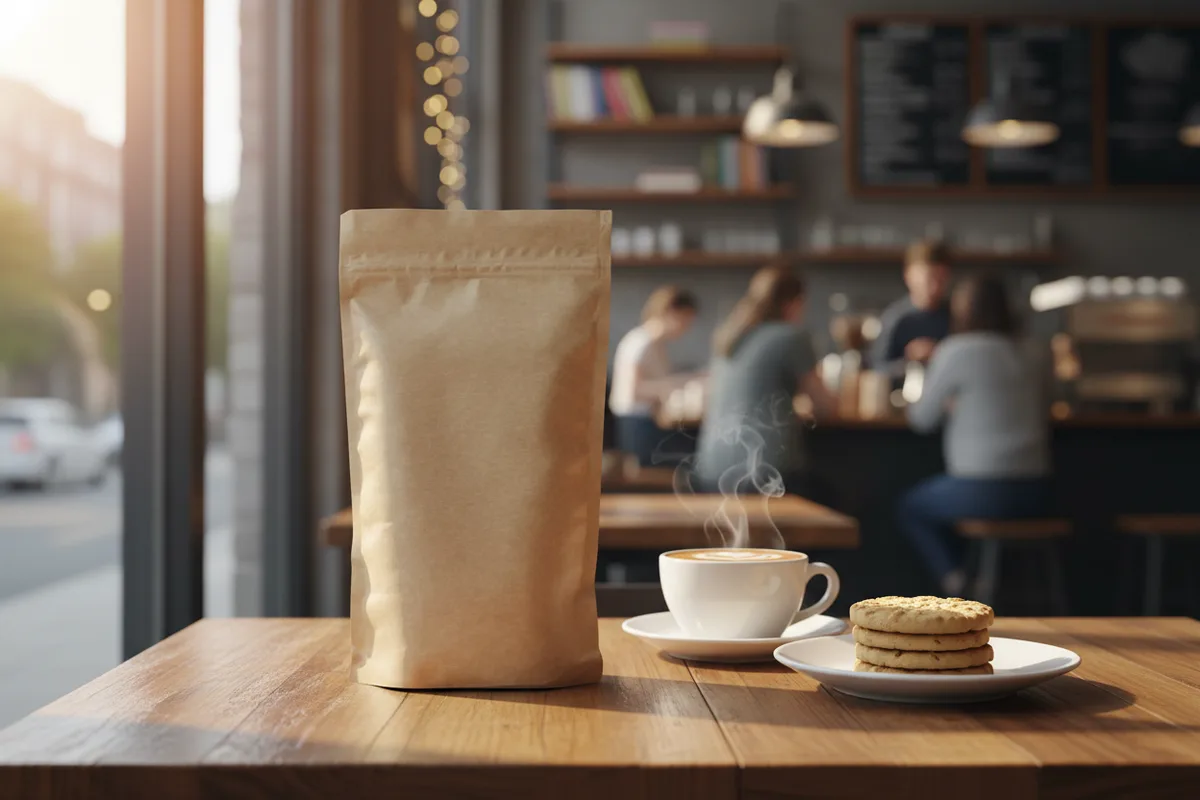
Cozy cafe
Pick a sample, then drag to see before and after.
More results
How it works
- 1
Upload the product
A clean shot on a plain background gives the best separation.
- 2
Choose a scene
Eight presets, plus your own scene details on top if you want them.
- 3
Generate variations
Up to four per run, plus up to three reference images to steer the look.
What you can make
Marketplace sellers
Shopee and Tokopedia listings need a white-background shot, but the ad creative that wins the click is a lifestyle one. This makes the second from the first.
Small brands without a studio
A lifestyle shoot means a location, props and a photographer. This is one upload.
Dropshippers
Supplier photos are almost always plain cut-outs. Staging them makes a listing look like a brand rather than a reseller.
Ad teams testing angles
Run the same product through several scenes and test which environment the audience responds to.
Specs & limits
- Input
- One product photo
- Scene presets
- Marble kitchen, Cozy cafe, Outdoor picnic, Minimalist studio, Luxury bathroom, Sunlit windowsill, Rustic wood desk, Urban rooftop
- Custom scene
- Up to 2,000 characters, added to the preset
- Reference images
- Up to 3, optional
- Output
- 1 to 4 variations; PNG, JPEG or WebP
- Commercial use
- Yours to use, including listings and paid ads
- Cost
- 31 credits (≈Rp 2.480) per image
Tips for better results
- Upload the product already cut out, or shot on plain white. The staging works around the product it is given, so a cluttered source photo brings its old background’s lighting with it.
- Match the scene to how the product is actually used. A skincare bottle in the luxury bathroom reads instantly; the same bottle on an urban rooftop reads as a stock photo.
- Use the custom description for the surface and light, not the mood: "on a wet slate counter, morning side light" beats "premium and aspirational".
- Check the label text in every variation before using one. Small printed type is where product staging fails first, and a wrong label is worse than a plain photo.
- Add a reference image when you have brand photography. Three references steer colour and styling far more reliably than adjectives in the description.
Frequently asked questions
Will my product still look right?
The product is preserved and the scene is built around it, with lighting, shadows and scale matched. Fine printed text on labels is the weak point, so check it in each variation before you publish.
What scenes are available?
Eight presets: marble kitchen, cozy cafe, outdoor picnic, minimalist studio, luxury bathroom, sunlit windowsill, rustic wood desk and urban rooftop. You can add up to 2,000 characters of your own detail, and it goes on top of the preset.
Can I use it in paid ads?
Yes, including marketplace listings and ad creative. As with any product imagery, it must not misrepresent what the buyer receives.
Is it free?
No. Generating spends AI credits from your Wujud account, billed flat per output image, so four variations cost four times one. Credits are bought as a pack; new accounts start with none. Free accounts can use it too, and their results are kept for 24 hours.
What formats can I download?
PNG, JPEG or WebP. Use PNG when the image goes to print or into a listing that will be resized.
Ready to make yours?
Put your product into a real-looking scene: marble kitchen, cozy cafe, urban rooftop and more. One photo in, a lifestyle shot out. Try it now.
Free to sign up, no card needed. Top up from Rp 10rb = 125 credits.